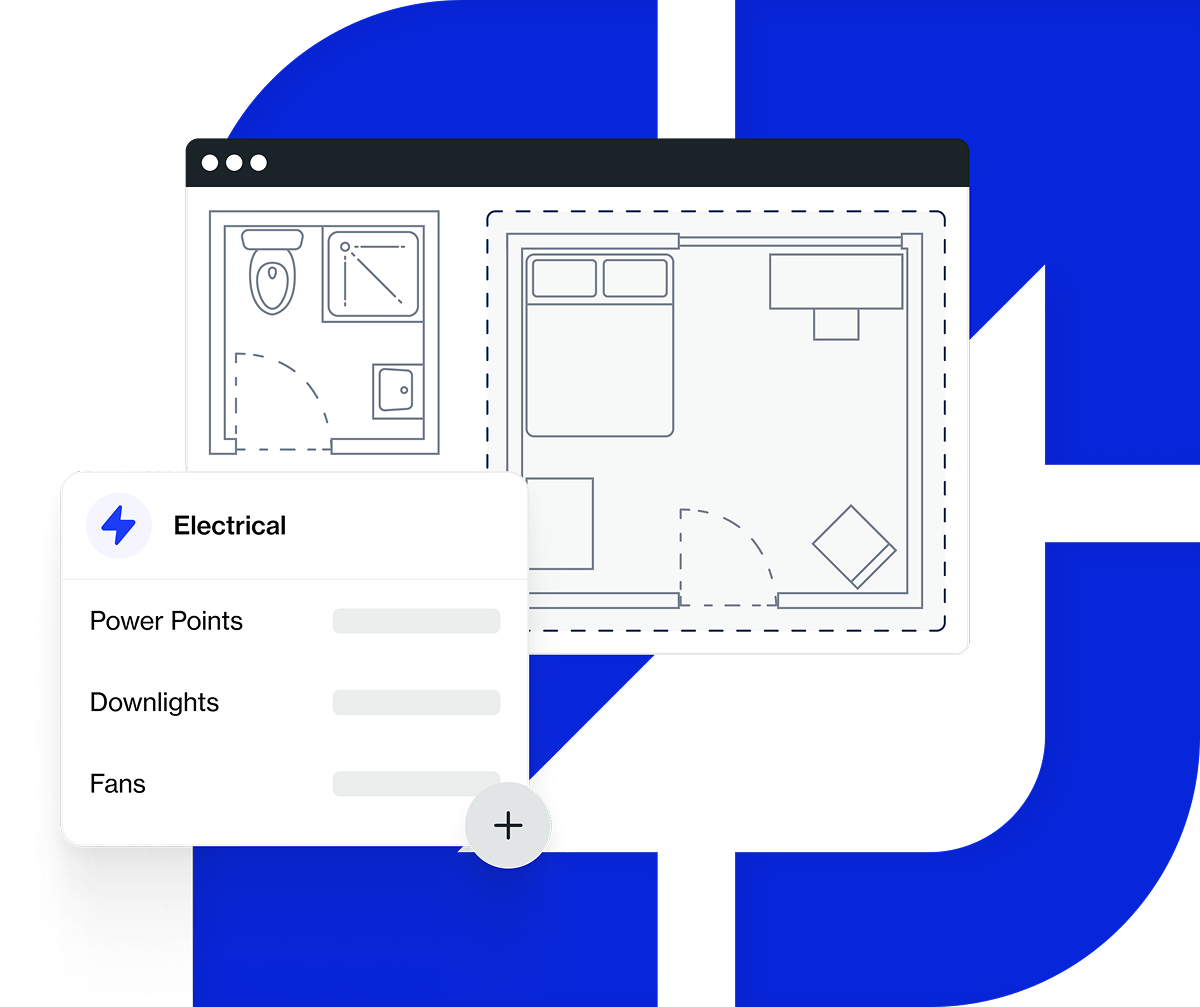
Takeoff software is a digital tool that lets you measure, count and price quantities straight from a set of plans. You upload a PDF, measure or count directly on the screen, and the numbers flow straight into your estimate.
If you've ever spent an evening at the kitchen table with a rolled-out plan, a calculator and a sinking feeling that you've missed something, this is the solution.
Takeoff software replaces the slowest, most error-prone part of estimating (the manual measuring and counting) with something faster and more accurate. It works the same way no matter who on your team runs it.
This guide covers what takeoff software does day to day, how it compares with doing it by hand, who uses it and what to weigh up if you're considering it for your own business.
Key takeaways:
- Takeoff software handles three core measurement types: count, length and area.
- Digital takeoffs are typically three to five times faster than manual ones, with far less risk of missed items or transcription errors.
- Electricians, plumbers, concreters, roofers, security/AV contractors and general builders all use the same core tools, just applied to different plans.
- Most takeoff software now runs in the cloud rather than as a desktop install, which changes how teams collaborate on a job.
What Does "Takeoff" Mean in Construction?
A construction takeoff is the process of measuring and counting every material and quantity shown on a set of plans, before that job is priced. It's called a "takeoff" because you're taking the quantities off the drawing, including how many power points, how many linear metres of skirting and how many square metres of roofing. Those numbers become a list you can price against.
Every estimate is built on this number. If you get the takeoff wrong, the error doesn't stay contained to one line item. It carries straight through to the quote, the material order and, eventually, the margin on the job.
According to the Australian Institute of Quantity Surveyors, the quantity surveying profession manages construction costs "from feasibility through construction to occupancy". That starts with an accurate count of what's in the plan. For a tradie quoting jobs directly, the takeoff plays the same role, just without a separate quantity surveyor doing it for you.
Traditionally, this meant unrolling a printed plan, measuring with a scale ruler and tallying counts by hand or on scrap paper. It's a skill tradies have used for decades, and plenty still do it this way. But it's also the estimating step that takes the most time and where the most expensive mistakes are made. Digital takeoff software is designed to close this gap.
What Takeoff Software Actually Does
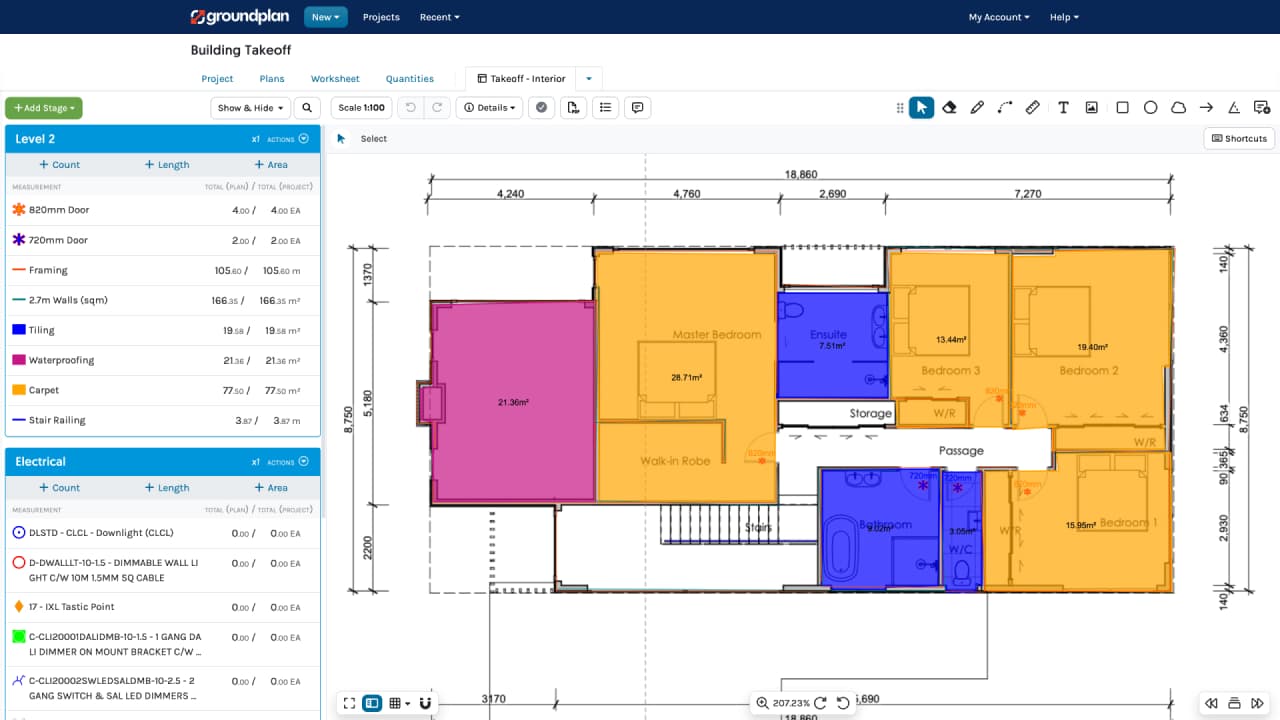
Takeoff software lets you complete the same measuring and counting process directly on a digital plan, using three core tools: count, length and area.
Count
Count covers anything you'd otherwise tally by hand, including power points, light fittings, taps, downpipes, smoke detectors and security cameras. You click each symbol on the plan (or, on high-volume commercial jobs, let AI-assisted counting find and tally repeated symbols automatically), and the software keeps a running total.
Length
Length covers anything measured along a path, including cable runs, pipe runs, skirting, guttering and fencing. You trace the actual routed path on the plan rather than measuring in a straight line with a ruler, so the length reflects how the job will actually be installed.
Area
Area covers anything measured across a surface, including slabs, ceilings, wall linings, roofing and flooring. You trace the boundary once and the software calculates the area, including deductions for openings like doors and windows.
The result of all three is a quantity schedule that flows directly into your estimate. The number you measure on the plan is the same number that lands in the quote.
That single change is what separates digital takeoff software from a manual process. It removes the step where quantities are re-typed from paper into a spreadsheet or pricing tool. The re-typing step is where a large share of estimating errors creep in.
Manual Takeoffs vs Digital Takeoffs
The gap between doing a takeoff by hand and doing it digitally comes down to how long it takes and how many places an error can hide.
On a moderately complex commercial job, a manual count can take hours. The same count on a digital plan, with the same tools contractors already use for length and area, typically takes a fraction of that time.
Groundplan's own Markup vs Margin benchmark on a 200-fixture commercial electrical plan puts this in concrete terms: roughly two to three hours to count manually, down to 30–60 minutes measuring onscreen, and 15–20 minutes with AI-assisted counting. That's a three-to-five-times speed gain even before AI enters the picture.
Speed isn't the only difference. Manual takeoffs carry three specific risks that digital ones largely remove:
None of this means manual takeoffs are bad. Tradies have quoted accurately by hand for decades. But McKinsey's research on construction productivity found that construction labour productivity has grown by only around 1% a year over the past two decades, against roughly 2.8% for the global economy.
That gap, by McKinsey's estimate, is worth close to US$1.6 trillion a year in lost value. Slow, manual estimating is one of the processes sitting inside it.
If your business is still estimating from a spreadsheet rather than by hand, the comparison is similar in shape. See our breakdown of spreadsheets vs estimating software for where that threshold usually sits.
Who Uses Takeoff Software?
Takeoff software is built for anyone who prices project-based work from plans. In the construction sector, that's a large slice of the industry. Construction contributed around 7.0% of Australia's GDP in 2023–24 and employed roughly 1.29 million people, according to the Australian Bureau of Statistics. Most of them work in small and mid-sized trade businesses, not large head contractors.
The same three core tools, count, length and area, apply across trades, just pointed at different parts of the plan:
- Electricians count power points, light fittings and switches, and measure cable runs.
- Plumbers count fixtures and fittings, and measure pipe runs.
- Concreters measure slab and formwork area and calculate volumes.
- Roofers measure roof area, calculate material cuts and count penetrations.
- Security and AV contractors count devices such as cameras, sensors and speakers, often in high volumes on commercial fit-outs.
- General builders use a mix of all three across a full residential or light commercial job.
Businesses further along the digital-adoption curve tend to pick up takeoff software the most quickly (they’re often electrical, security and AV contractors who are already used to working from digital plans).
Contractors still estimating largely on paper, particularly in concrete, roofing and painting, have more of a habit shift to make.
The tools themselves don't require any construction-specific technical background to learn though.
Cloud-Based vs Desktop Takeoff Software
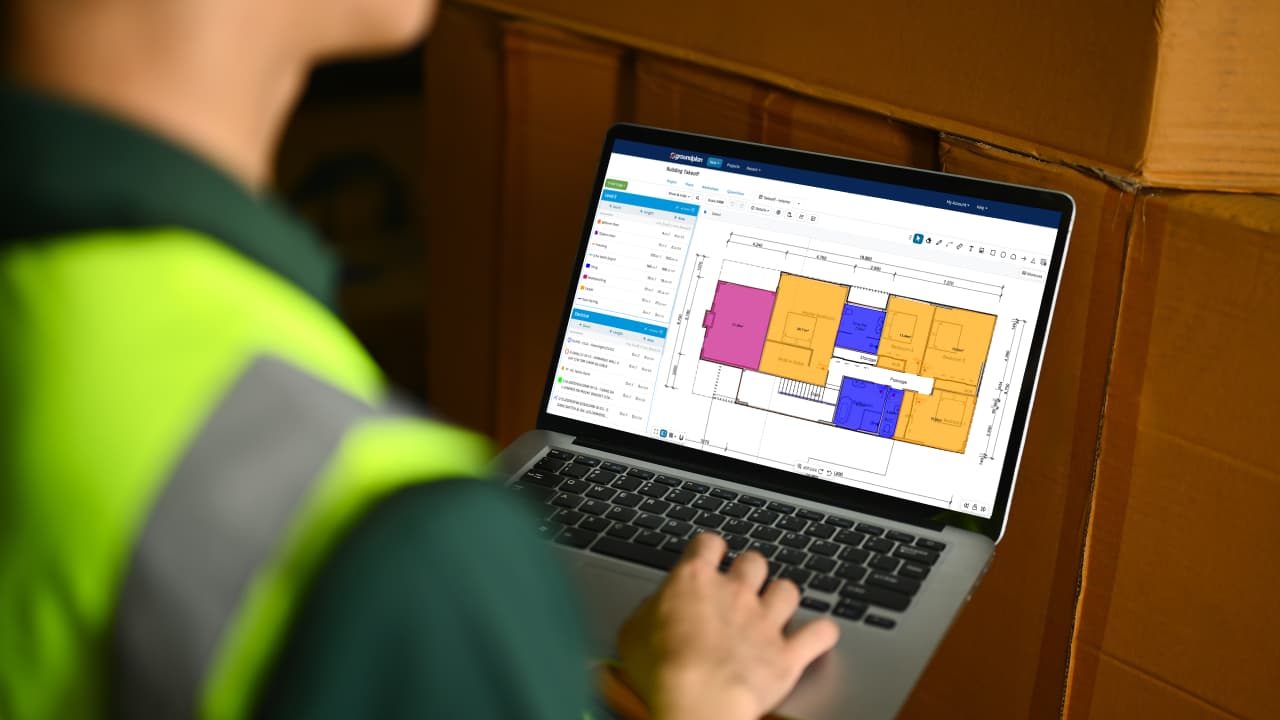
Most takeoff software today runs in the cloud, through a web browser, rather than as a program installed on one machine.
A cloud-based platform is accessible from any device with an internet connection, whether that's the office, the site or home. That means a second estimator can pick up an unfinished takeoff without anyone emailing a file around.
Updates happen automatically in the background rather than as a separate installation a business has to manage. And because the file lives in one place rather than on someone's laptop, there's no version-control confusion about which copy has the current numbers.
Construction remains one of the least digitised sectors of the economy, which McKinsey's research points to as part of why cloud tools have taken longer to reach trade businesses than other fields.
The most common objection is internet reliability on site, but most cloud takeoff platforms support offline viewing or sync-on-reconnect, so a patchy connection isn't the blocker it once was.
What to Look for When Choosing Takeoff Software
If you're evaluating options, five things are worth checking before you commit to any platform:
- Ease of use. Can someone with no software background become productive on a real job within a day, not a week?
- PDF plan compatibility. Does it handle the plan formats your clients actually send you, with reliable scale calibration?
- Integration with your other tools. Does it connect to the job management and accounting software you already run, so quantities don't need re-entering?
- Support quality. Is training included, and is support genuinely available when something goes wrong mid-job?
- Pricing model. Do you pay per-user, per-job or a flat monthly rate? Understand what you're actually paying for at your job volume before you sign up.
The platforms that work best long-term don’t have the longest feature list but are the ones your entire team will actually open on every job.
Where Groundplan Fits
Groundplan is cloud-based construction estimating software built specifically for project-based trade businesses in Australia and New Zealand.
Rather than being aimed at enterprise general contractors or reactive call-out work, it’s built around the same three actions covered in this guide: count, length and area, with a plan editor that allows a new user to run their first real takeoff in a single session.
For commercial jobs with high volumes of repeated symbols, like a 300-camera security fit-out or a large electrical board schedule, Count Assist uses AI to find and count matching symbols automatically. This cuts a multi-hour manual count down to minutes. It's an add-on for the work that needs it, not a requirement to get started.
Groundplan also connects to the job management and accounting tools that trade businesses already run: SimPRO, Fergus, AroFlo, Xero, QuickBooks and MYOB. This means a takeoff doesn't turn into a second data-entry job. Every account includes free, unlimited training and support from a team that's worked in the trades, not just in software.
Frequently Asked Questions
What does "takeoff" mean in construction?
It’s the process of measuring and counting every material and quantity shown on a set of plans before that job is priced. This is the foundation every estimate and quote is built on.
Is takeoff software the same as estimating software?
They overlap but aren't identical. Takeoff software focuses on measuring and counting quantities from plans. Estimating software typically takes those quantities and applies pricing, labour rates and margins to produce a full quote. Many platforms, including Groundplan, combine both in one tool, which is part of what to look for in takeoff software for construction if you want one system rather than two.
Do I need special hardware to use takeoff software?
No. Most cloud-based takeoff software runs in a standard web browser on a laptop, tablet or desktop computer. There's no specialised scanner or drafting equipment required.
Can takeoff software work with hand-drawn or scanned plans?
Yes, in most cases. As long as the plan can be uploaded as a PDF or image and calibrated against a known scale or dimension, count, length and area tools work the same way as they do on a native digital plan.
How much does takeoff software cost?
Pricing varies by platform and typically follows a per-user or flat monthly subscription model. The more useful number to focus on isn't the sticker price. It's the time and error cost you're currently absorbing by not using it, compared against the subscription.
Is takeoff software worth it for a small trade business?
For most project-based trade businesses quoting more than a handful of jobs a month, yes. The time saved on counting and measuring alone tends to cover the subscription quickly. For a sole trader doing very simple, low-volume work, the case is less clear-cut, but it's worth trialling on a real job to see the difference directly.
Give Takeoff Software a Try
A construction takeoff is simply the process of measuring and counting quantities from a plan before you price the job. Takeoff software makes that process faster, more accurate and easier to hand off to someone else on your team.
The core idea doesn't change from trade to trade: count what's there, measure what runs and what covers, and get those numbers into your estimate without re-typing them twice.
The clearest way to see the difference is to run one real job through it yourself. Start a free Groundplan trial, upload a plan you know well, measure it using count, length and area, then compare how long it took against your usual process.