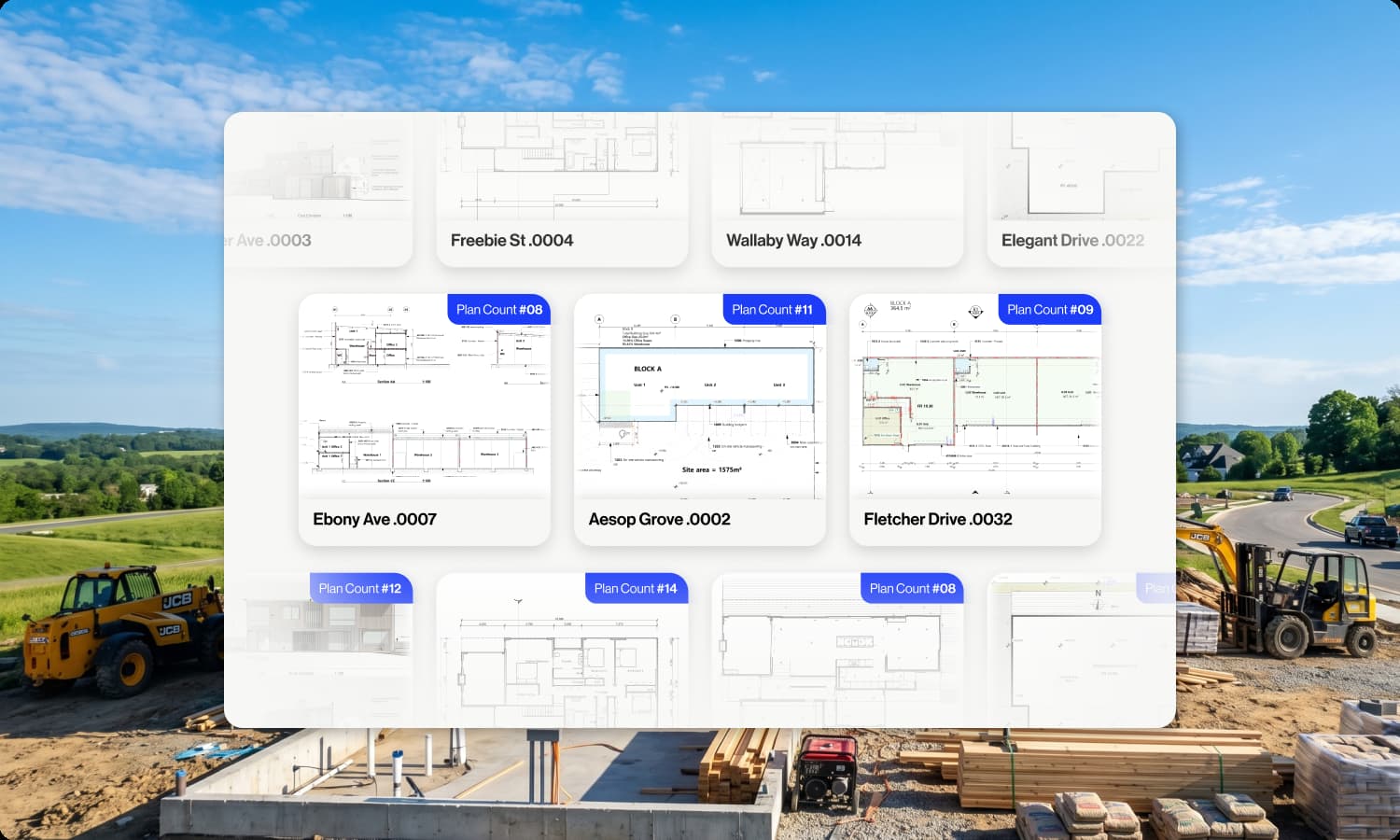
Online Takeoff Software

Groundplan is takeoff and estimating software for construction and trade businesses across Australia and New Zealand. Upload your plans, measure on-screen, and produce accurate cost estimates - from any device, on any project.

Takeoff

Complete Your Takeoff Directly from Your Plans

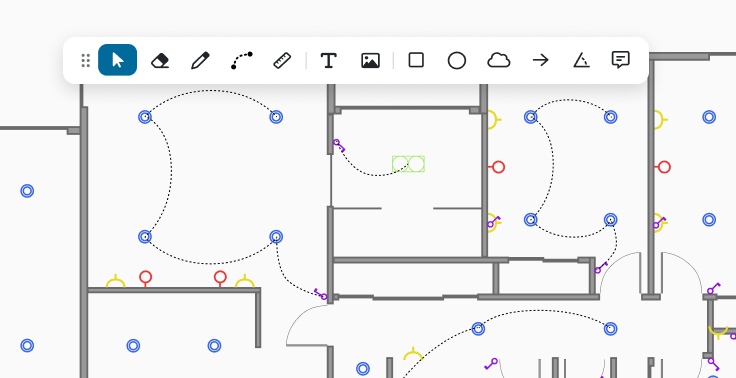
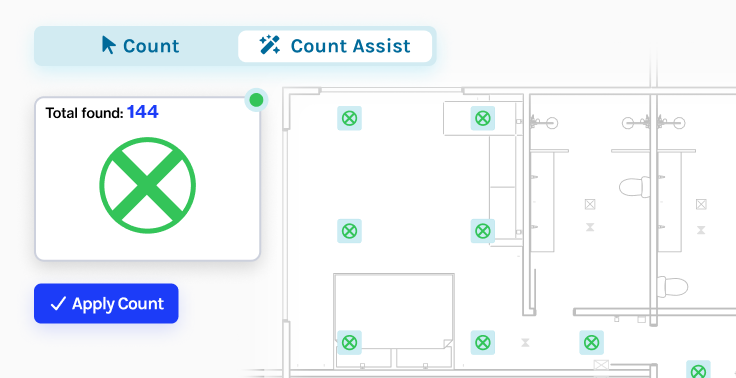
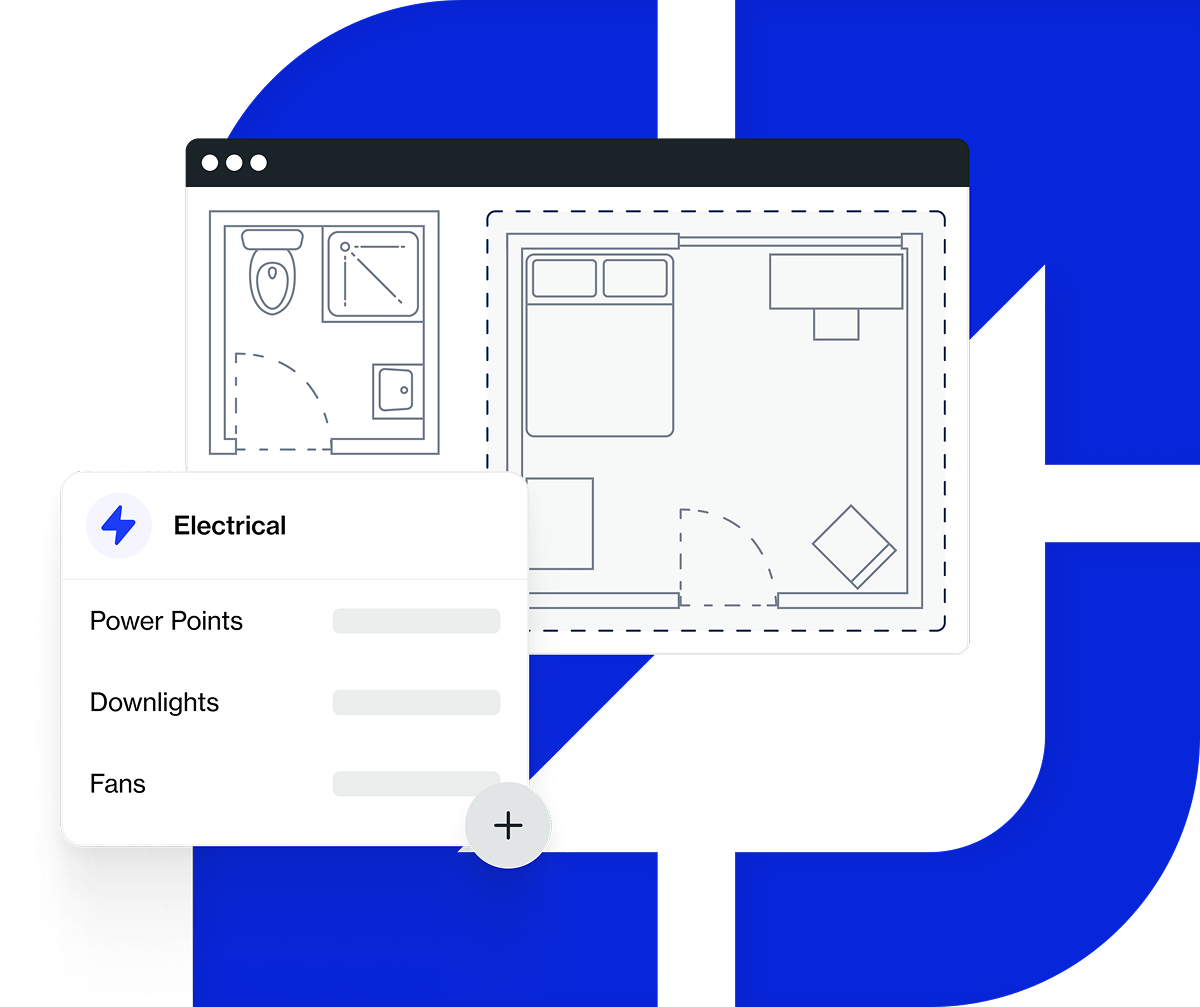
Groundplan's measurement tools let you count items, measure lengths and calculate areas directly from your uploaded plans. No manual work, no switching between tools.

Work from anywhere

Log into Groundplan from any device and pick up where you left off. Your plans, takeoffs and estimates are always up to date — so your team can collaborate whether they're on-site, in the office or working remotely.

Estimating

From Measurements to a Complete Estimate

Create formulas, visualise your material and cost totals and export your estimates.

Formulas

Apply formulas to your measurements to calculate material quantities and labour costs. Groundplan supports full Excel-style formulas, which you can set up before or after your takeoff is complete.

Plan Revisions

Received an updated set of plans? Upload the new version while keeping your existing takeoff on-screen. No starting from scratch — update what's changed and continue from where you left off.

Exports and Integrations

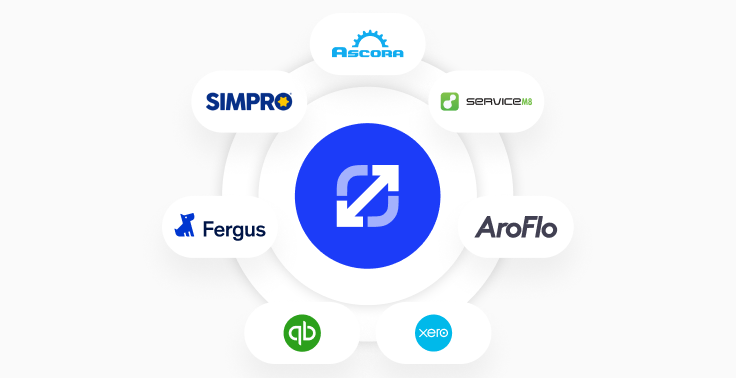
Export your estimates at any stage of the project. Download plans with or without markups, export quantities to Excel, or push data directly to Simpro, AroFlo, Xero or QuickBooks.

Trusted by 8000+ contractors across Australia, NZ and beyond.
8,650 +
Happy Users
412,700 +
Projects Completed
6.2 million +
Plans Estimated

Now it's all set up and templated, I can offload that work to an estimating team.

Sam Ackland
Build Clean

Frequently Asked Questions

If you can't find the answer you're looking for please contact us.

Is Groundplan a floor plan design tool for trades?

Yes - Groundplan is a floor plan design tool and PDF editor built specifically for trade contractors. Unlike general floor plan apps designed for architects or homeowners, Groundplan is built for sparkies, plumbers, builders and other trades who work from PDF plans and need to mark them up with their own symbols, draw cable runs or pipe layouts, and export professional documents for clients and on-site use

Can I use Groundplan as electrical drawing software?

Yes. Groundplan is used daily by electrical contractors across Australia and New Zealand as electrical drawing software. Electricians use it to place lighting layouts, mark power point and switch locations, draw cable runs and add switchboard notations - all directly on the original PDF floor plan. The custom symbol library includes 500+ electrical symbols, and you can upload your own or have the Groundplan team build them for you.

Can I edit PDF floor plans directly in Groundplan?

Yes. Groundplan is a PDF floor plan editor built for construction trades. Import your PDF, mark it up with your trade symbols, draw cable runs or pipe layouts, add measurements and annotations, then export a clean PDF to send to your client or use on site. No separate PDF editor needed.

What trades does Groundplan plan design support?

Groundplan supports all trades that work from PDF plans - electricians, plumbers, HVAC contractors, fire protection, security, audio visual, roofing and building contractors. The custom symbol library covers 500+ trade-specific symbols across all major verticals, and you can upload your own or have the Groundplan team build a custom set for your business.

What is the difference between plan design and takeoff in Groundplan?

Plan design is where you mark up a PDF floor plan - placing symbols, drawing cable or pipe routes, adding a title block and annotations. Takeoff is where you count and measure everything on the plan to calculate quantities for your estimate. Groundplan takes care of both: design your plan layout, and calculate your quantities without switching tools.

Projects

A better way to organise your tenders

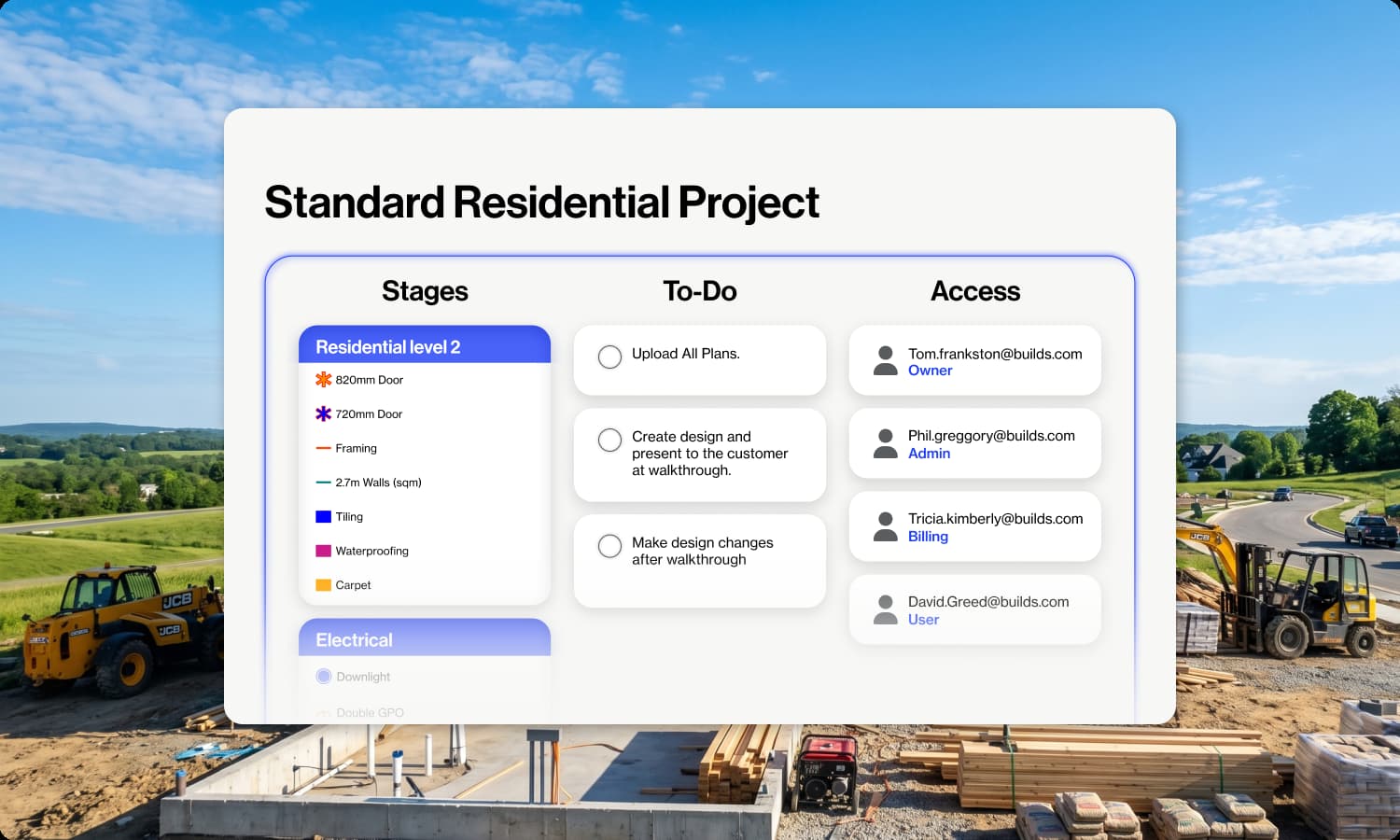
Set up or import your takeoff templates and you’re good to go. Never lose track of your estimates again.

Document Storage

Store tender docs, plans, photos and any other data against your projects. We include unlimited data storage and backup with your Groundplan subscription.

Project Templates

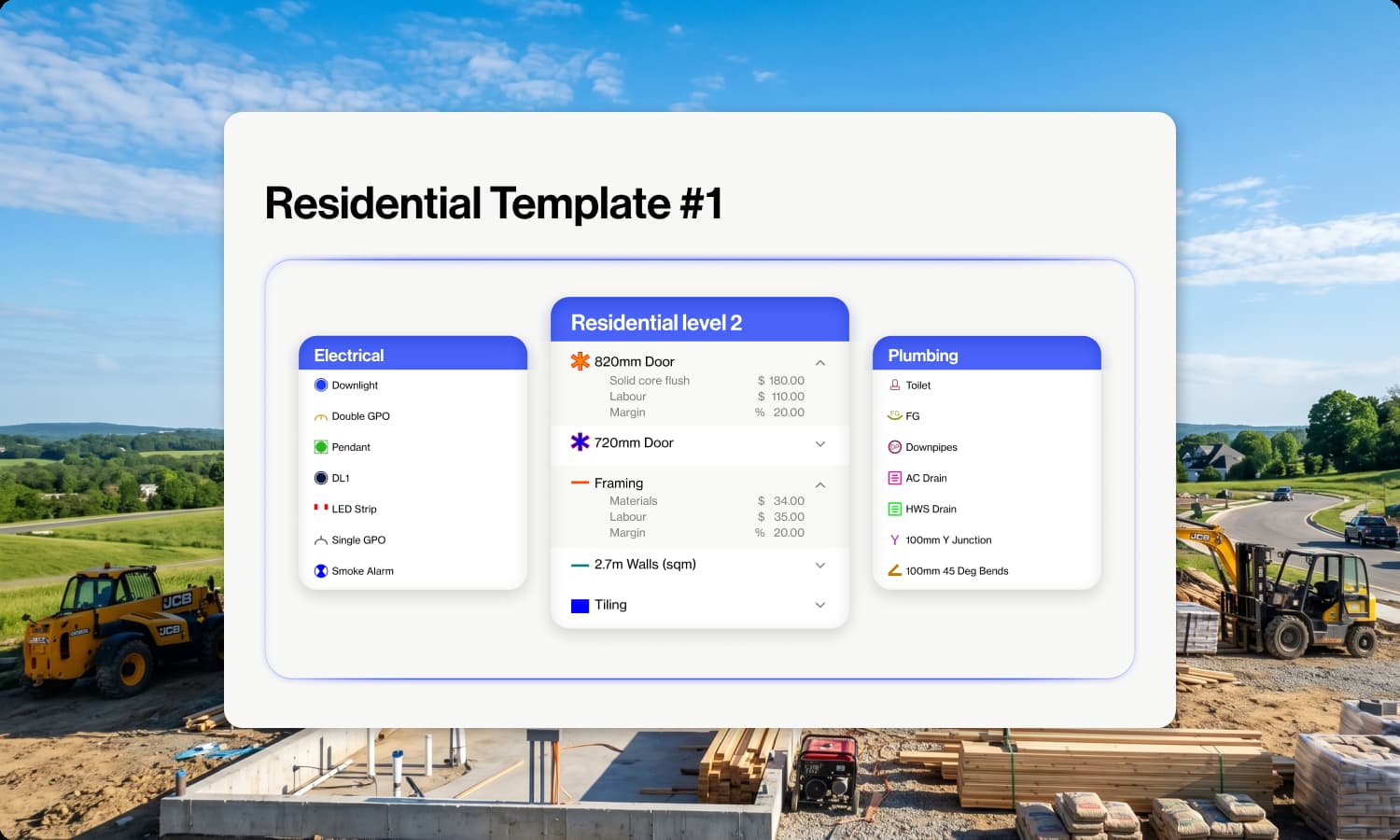
Layout your stages, set up your symbols in a template which you can use time and time again. This saves a lot of setup time when estimating and allows you to keep your same configuration for each takeoff.

Takeoff Templates

Set up lists of your favorite takeoffs which you regularly choose. Assign symbols and keep regular formulas which can be added to a project at any stage.

Calendar

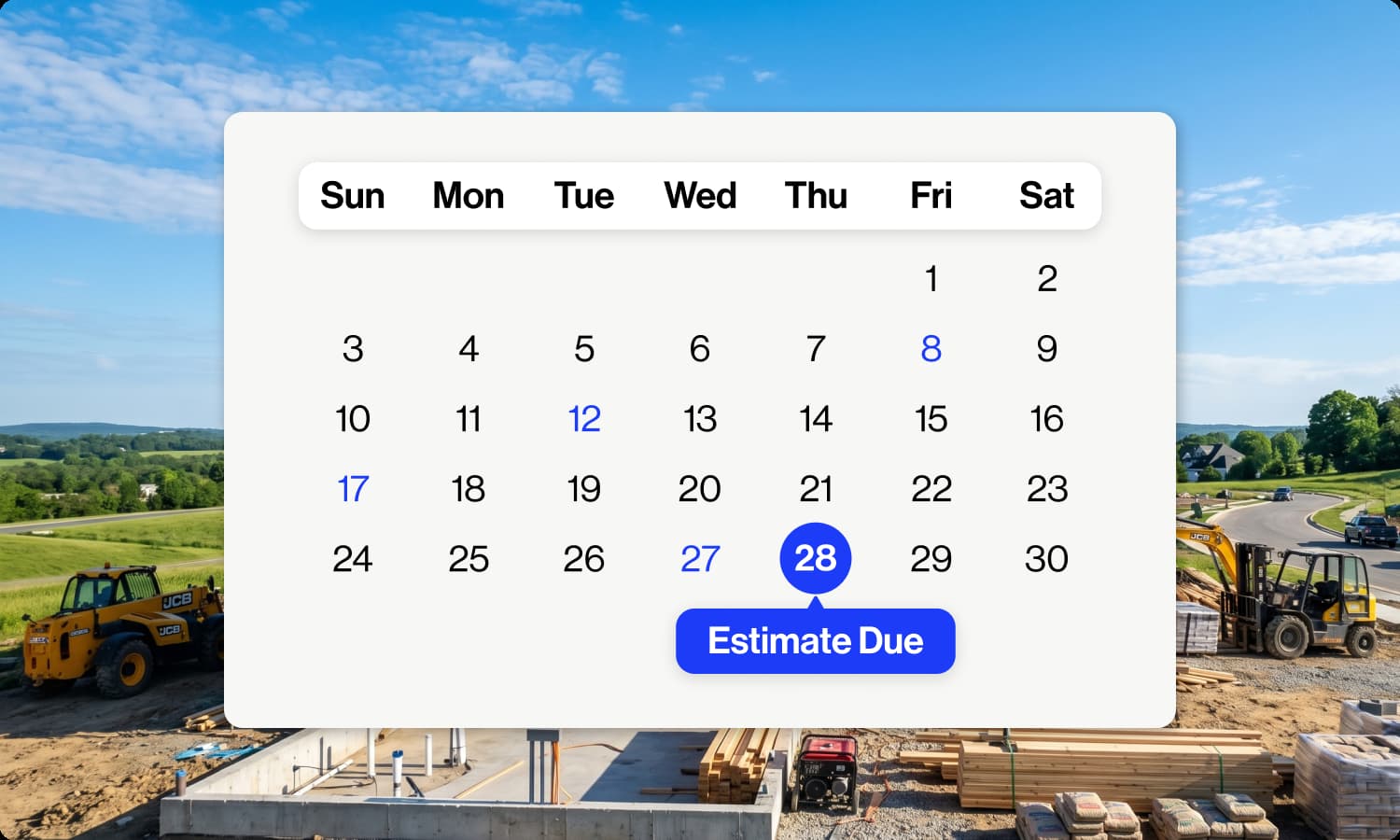
Enter all of your important dates against your projects. Inside Groundplan you will see a complete project calendar which will also sync with your Gmail or Outlook calendars.

To-do Lists

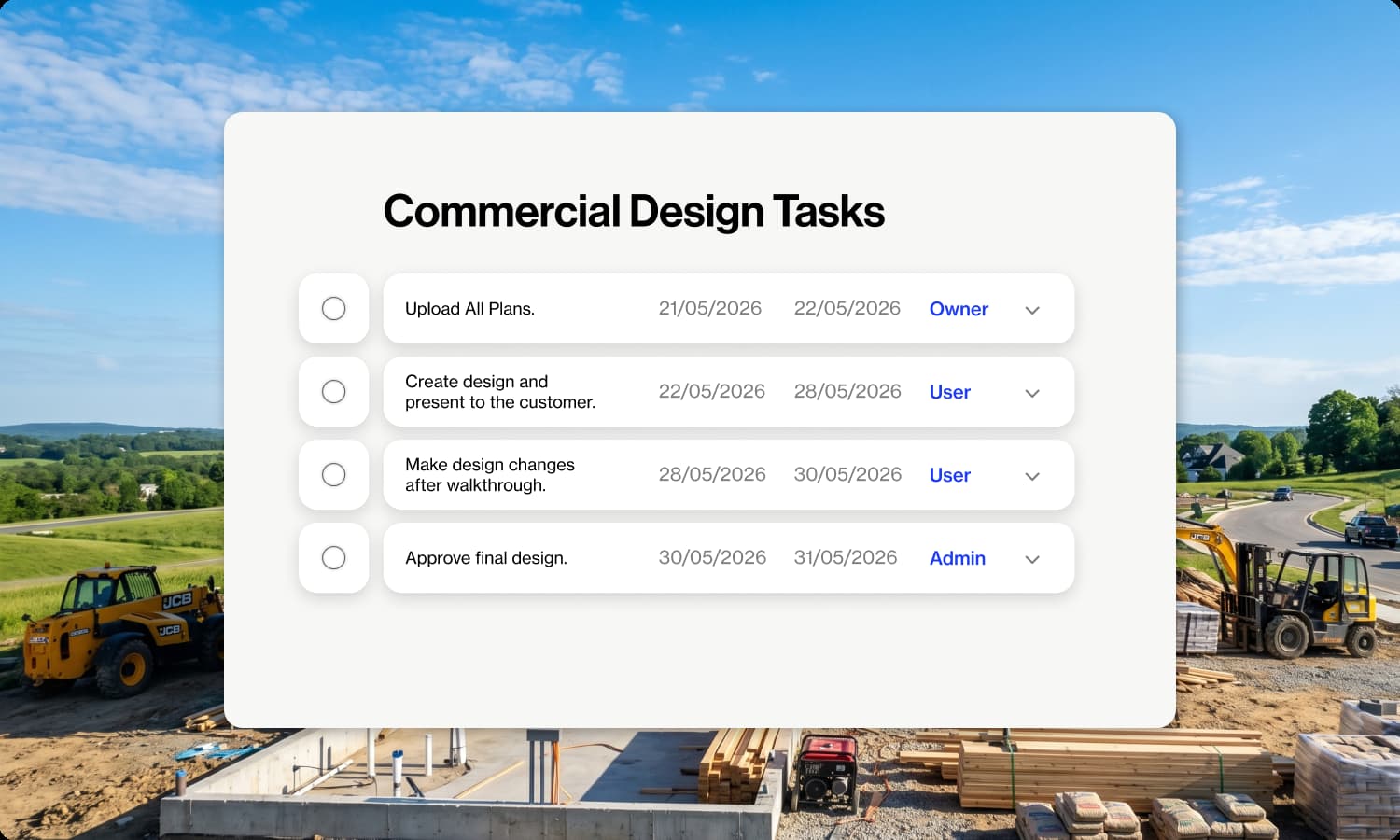
Set up all of the tasks you need to complete with each project. Tasks can be assigned to different users and have due dates set. This is great when you have multiple estimators working on the same plans.