Design
Impress your clients
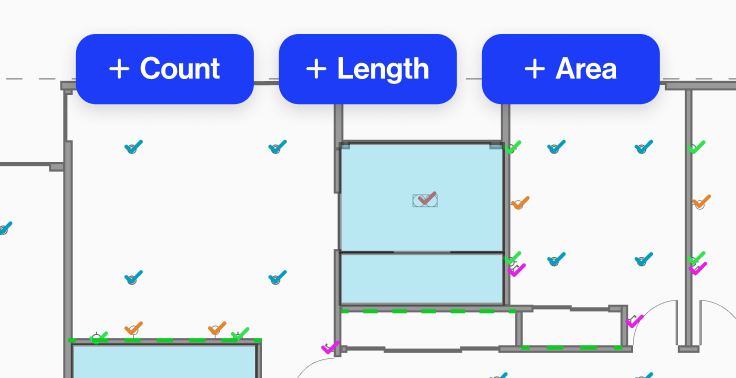
Groundplan is the PDF floor plan software built for trade contractors - draw up your plans, add your branding, and hand your client something that looks as professional as you are.

Custom Symbols
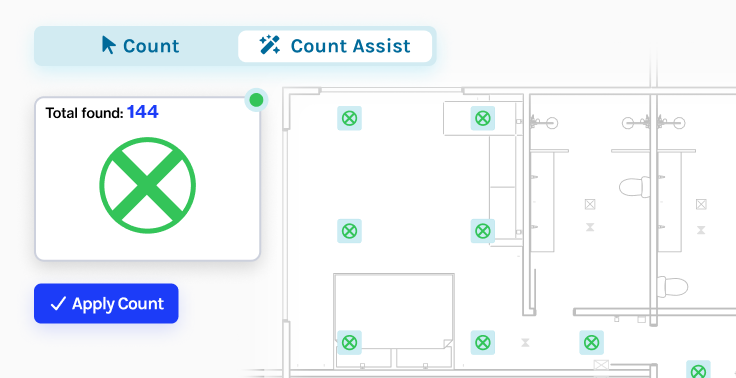
Choose from 500+ trade symbols covering electrical, plumbing, HVAC and more. Upload your own or have the Groundplan team build a custom symbol library for your business.

Eraser Tool
Stay in complete control of your plans with the Eraser Tool, which allows you to delete absolutely anything from your PDF at any time.

Lines/Shapes
Draw cable, piping and any other linear item. An auto-straightening mode ensures your lines are clear and accurate.

Ruler Tool
Add dimension annotations to your plans quickly and easily with the Ruler Tool. Set the scale and let Groundplan calculate the measurements for you.

Text Tool
Add custom text boxes, notes and labels anywhere on your PDF floor plans. Choose font size and colour to match your document style.

Images
Add product images, photos or diagrams directly to your plans - useful for speccing materials, photographing install locations, or adding visual context for your client.

Title Block
Stamp every plan with a custom title block - add your business logo, licence number, contact details and revision notes. Every PDF you send to a client looks professional.

Arc Tool
Accurately display the link between symbols on your plans with the Arc Tool. Especially useful for circuits.

Snip Tool
Isolate any section of your PDF floor plan, crop to a specific area, adjust paper size and create new plans from existing drawings - all with the Snip Tool.

Legend
Add a professional legend to your PDF plan so every trade symbol is clearly identified. Essential for client-facing documents and tender submissions.

PDF Plan Exports
Export marked-up PDF floor plans in clear, print-ready format - ready to send to your client, attach to a tender, or use on site.

Quantities
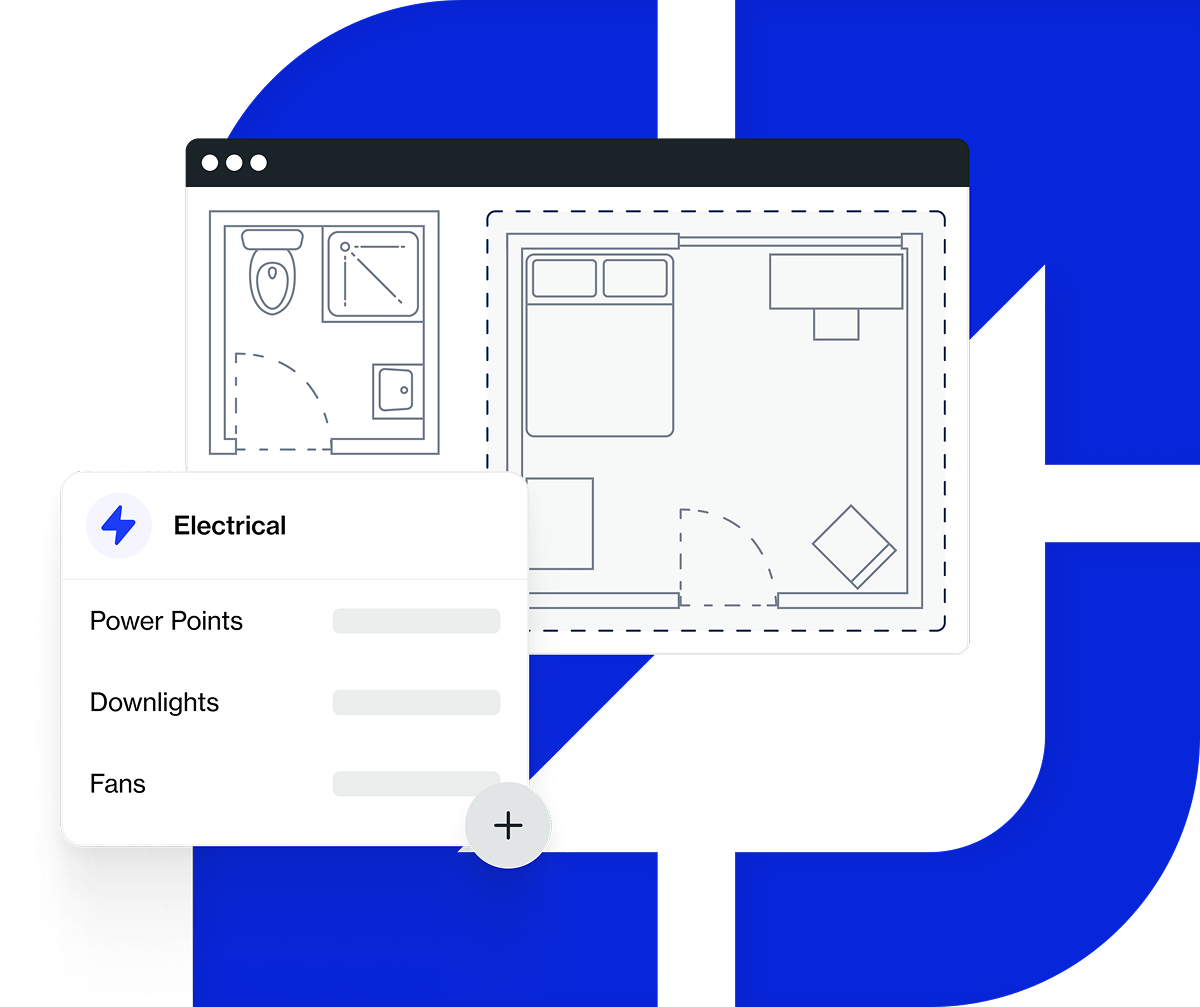
Export a full list of parts and labour to an Excel spreadsheet or directly to your job management software.