Groundplan success stories
Discover how trades are modernising their business processes with our cloud-based takeoff software.


Measure and calculate the materials required for your next job with speed and accuracy.
For any trade that uses plans to takeoff and estimate their projects, Groundplan is the premiere construction estimating software.
7 day free trial. Training available.


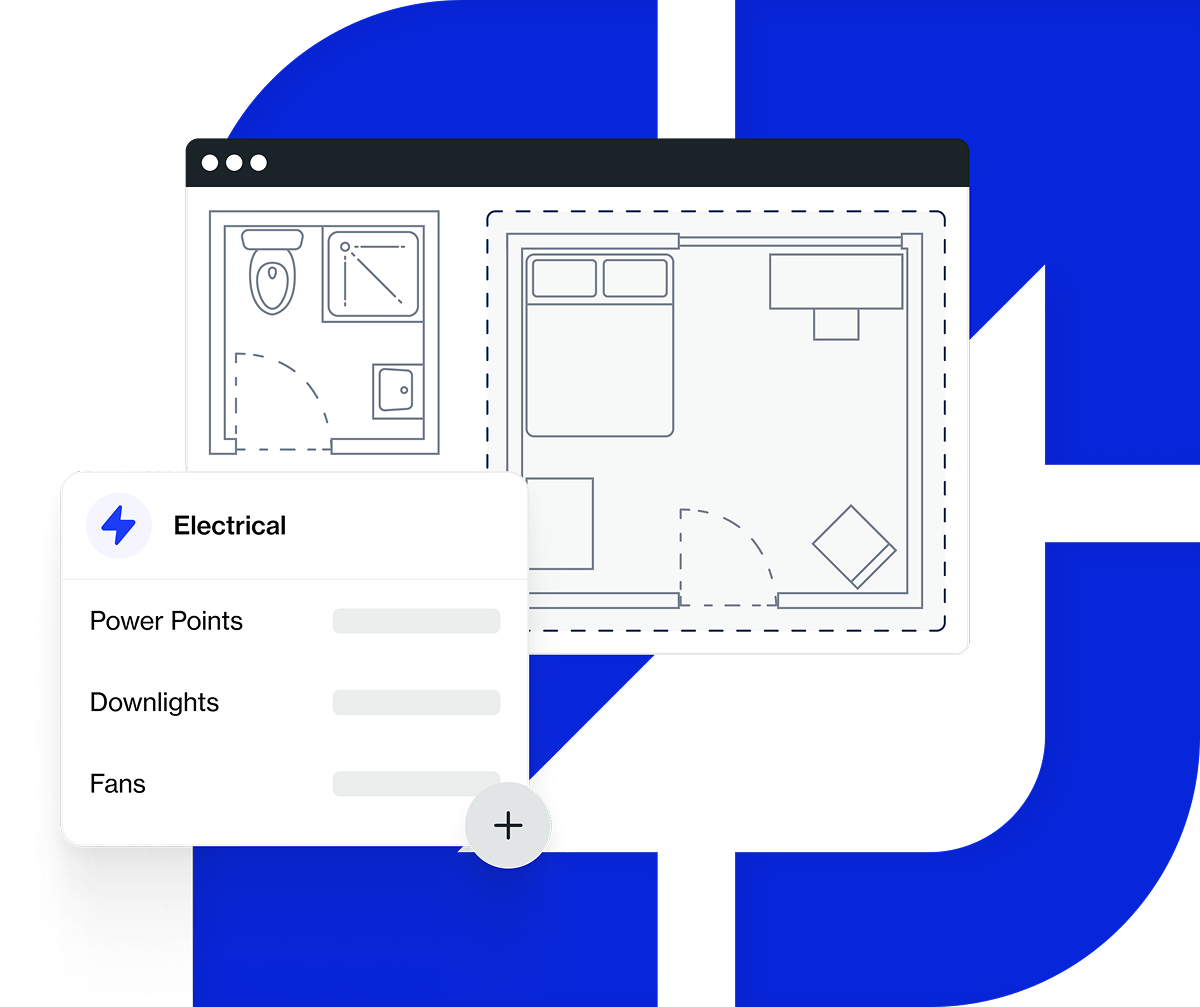
From waterproofing to tiling, concreting, flooring, roofing, electrical and plumbing, the process is as simple as dropping your plans into Groundplan then use our measurement tools to accurately measure lengths, count singular items and calculate surface areas.
Groundplan is the ideal takeoff software for construction estimating, creating an accurate bill of quantities to submit your tender.
Wastage on site is also drastically minimised by creating an accurate list of materials to deliver on site.
Our construction takeoff software’s 7-Day free trial and simple monthly pricing makes it easy to get started.

No more will you need to juggle all those printed plans or even search through your emails for the latest version. Instead, bring all your plans into one place.
If you’re not yet using Groundplan construction estimating takeoff software, you could be losing out. What does missing an item on the plan cost you? How much time does a large takeoff take you to complete?
Don’t reinvent the wheel every time. Instead with construction estimating takeoff software, you can build your own library of project and takeoff templates with your material costs and markups all built-in and ready to apply to any plan.


From small residential designs to large-scale commercial projects, our construction estimating takeoff software is designed to increase the speed and accuracy of any plan takeoff.
Simply import your PDF plans then, use our suite of measurement tools to quantify the materials required for the project. The process ensures everything on your plan is accounted for and that the accuracy of your estimates is increased.
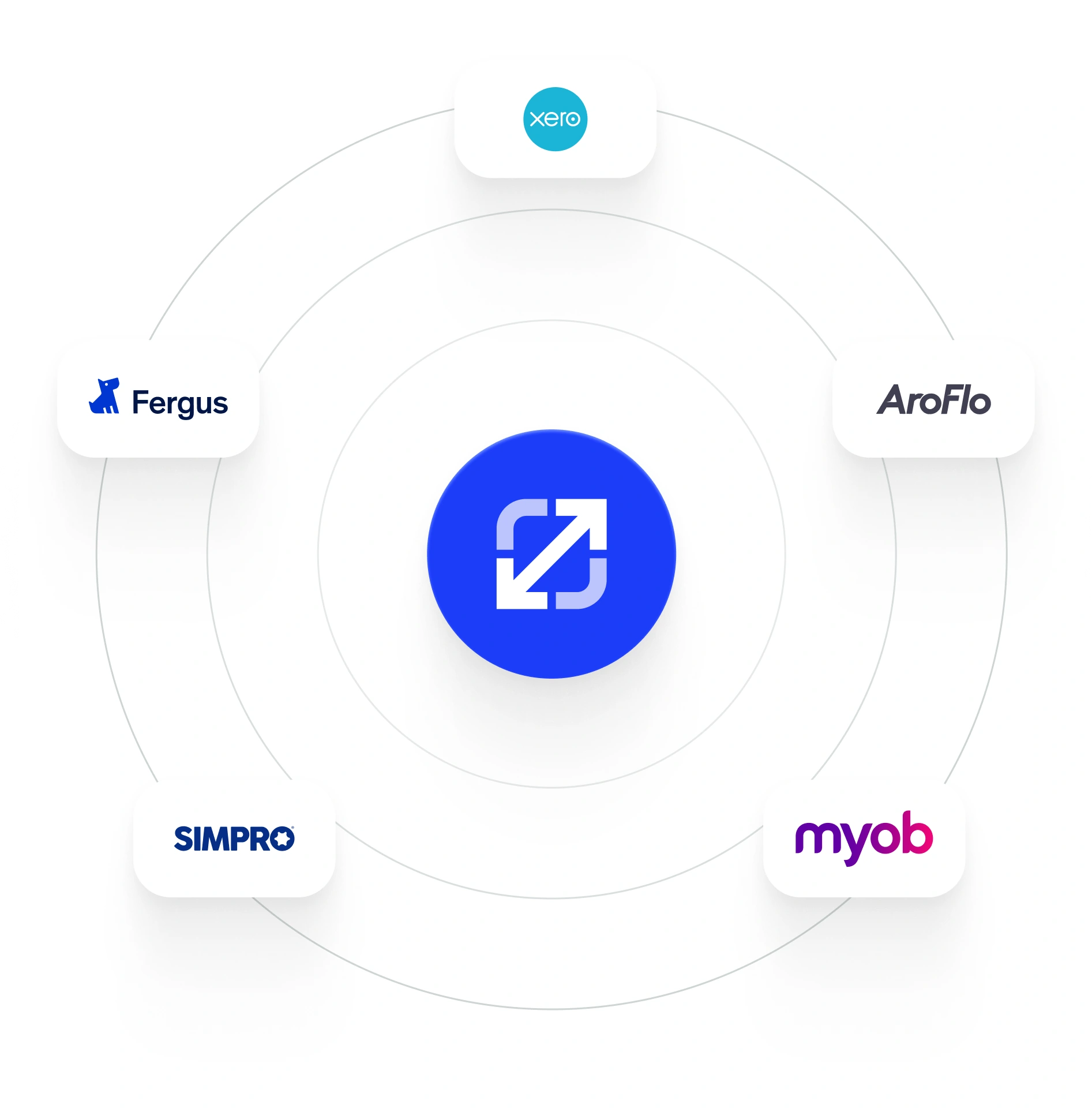
Based on the results of your takeoff, Groundplan generates an accurate Bill of Quantities ready for export to a spreadsheet or to one of our integrated Job Management or Accounting software partners.
Export your Bill of Quantities to a spreadsheet or to one of our growing list of integrations to generate your landscaping quote.
There are a few HVAC estimating tools on the market - most built for the US or UK, with none of the job management integrations that AU and NZ contractors actually use. Here's how Groundplan compares.


Groundplan works alongside the job management and accounting software you already use.
If you can't find the answer you're looking for please contact us.
No more pen and paper, instead while you simply count and measure the materials on your plan, Groundplan generates a list of line items for you.
With a construction takeoff software, all your plans become centralised and your pricing and markups become templated.
Simply begin by uploading your PDF plan to our construction estimating software.
Use the Snip and Eraser tool to clean up the plans. Use our range of measuring tools to calculate materials, labour cost and profit margins.
The editing tools enable you to add annotations, then finally personalise and brand your plan by adding your logo and company details to the Title Block.
Of course. Our landscape estimating software lets you adjust material costs, labour rates and markups, to ensure the estimates align precisely with your business specifications.
After signing up, you’ll start a 7 day free trial with unrestricted access to all of Groundplan’s features.
A free demonstration with a Groundplan Trade Expert is available at any stage during the trial. Enter your billing details to continue using Groundplan beyond the trial period.
Thousands of NZ & Australian trade businesses use Groundplan to manage their takeoff and estimating workflow. Optimise your estimating process by signing up for our 7-day free trial.
Expert onboarding is included — so you'll be set up and estimating from day one.