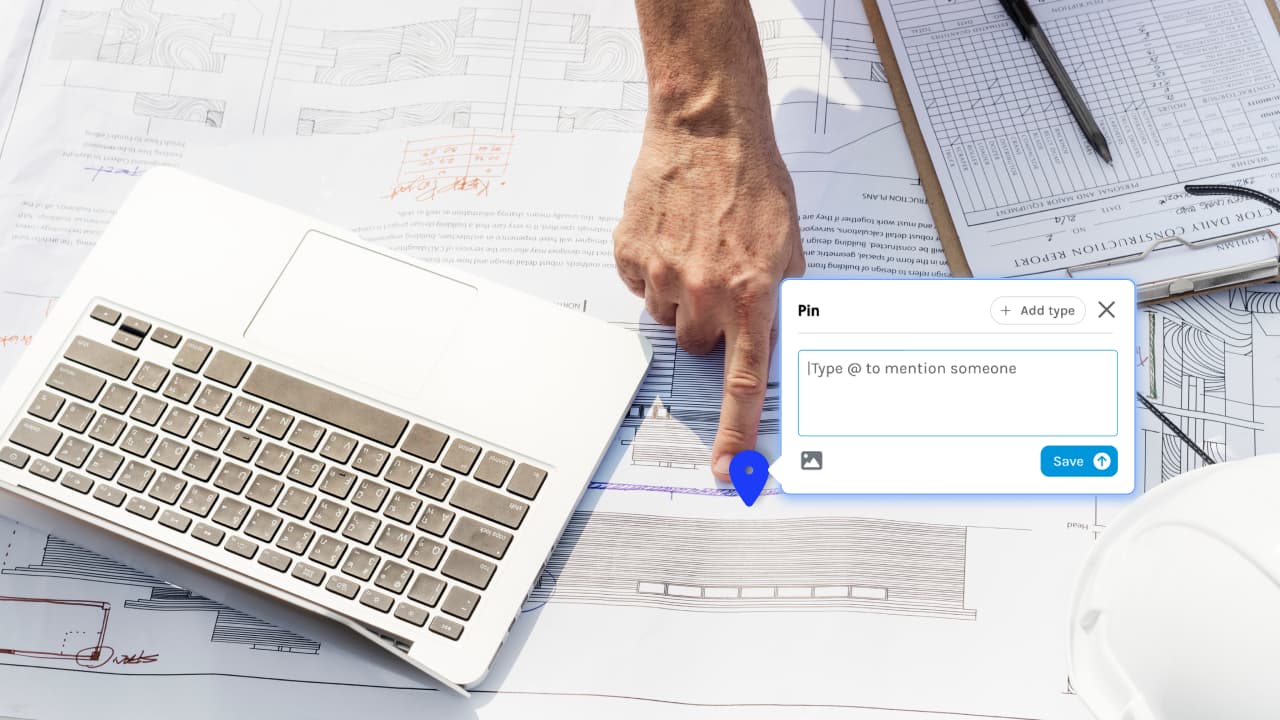

We're renaming Comments to Pins and here's the reason why.
Commenting on a location-specific area of the plan has become invaluable to many. It’s the ideal way to centralize communication around updates and issues on a plan that are specific to one location.
With this update, we’ve expanded that functionality.
By adding more features, the tool offers a whole lot more than just Comments. And because we've expanded the feature's functionality, it makes sense to broaden how we refer it.
What are the new features?
You've always been able to add a Comment, attach an image, respond and mark as resolved, but now ...
Add a Pin Type
By adding a Type, you can categorise and filter your Pins. It gives the Pin context and helps the user understand the Pin's urgency and who is responsible.
For example, you may want to mark a Pin as an RFI, a Variation, a Defect or whatever works for your business.
Mention others
Just as you can in social media, you can now @mention collaborators on the plan so they can receive important notifications regarding the issue.
Recieve notifications
This is also new. If there's someone specific the issue is related to, once you mention that user, they'll receive a notification. That way important updates are much likely to be missed.
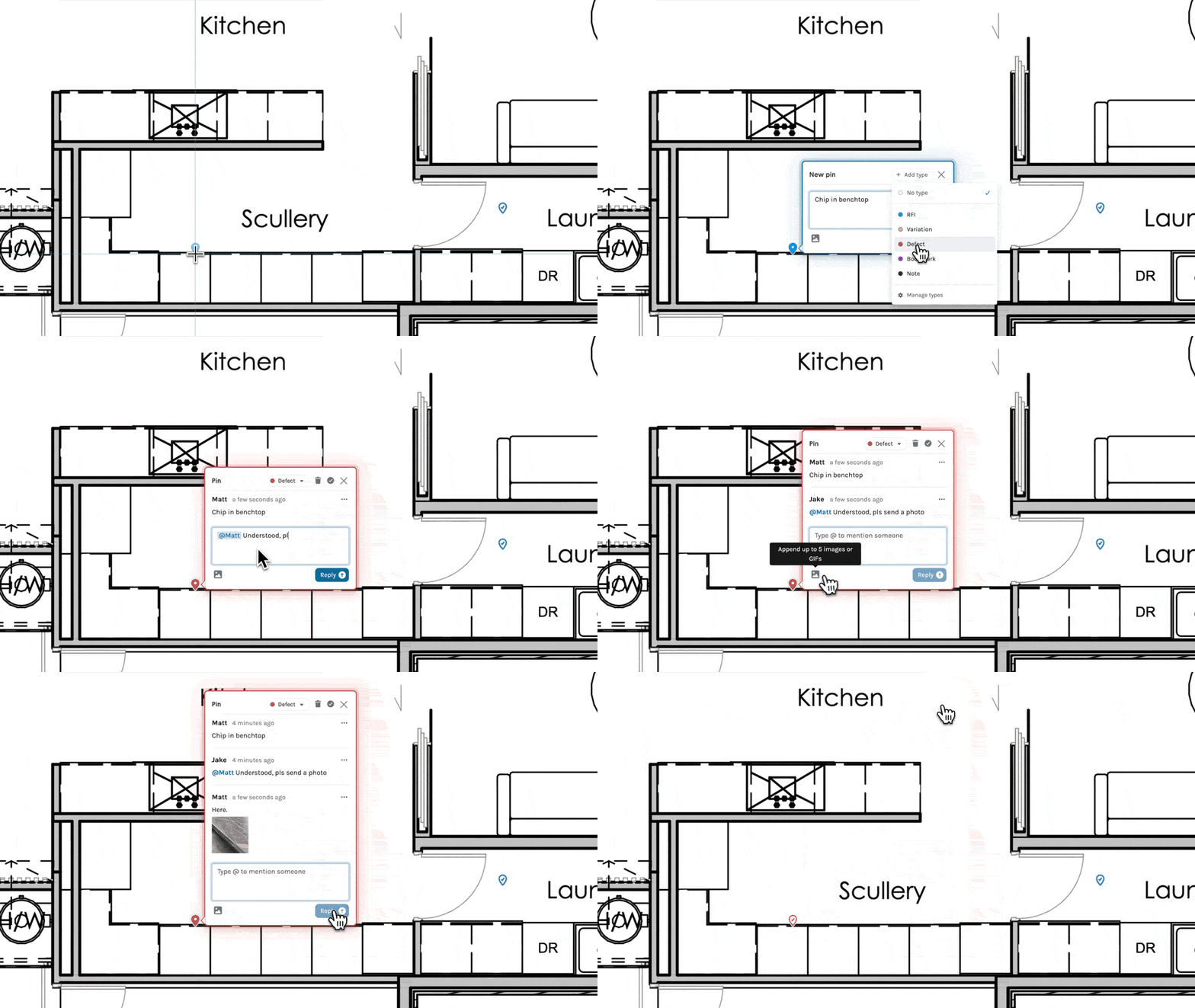
And of course you can still ...
👉🏼 Post & reply
👉🏼 Attach images
👉🏼 Mark as Resolved